


So if you received a new Windows 8 device this holiday season I am sure you have had a chance to learn about the new OS and install some apps.
I would like to point you towards some great apps to install on your new Windows 8 system which will not dent your wallet at all and bring further productivity to your daily usage.

Getting Started with Windows 8 – created by HP to help teach users about Windows 8 and its new interface. Originally restricted to those on an HP system but later opened up for everyone to use.
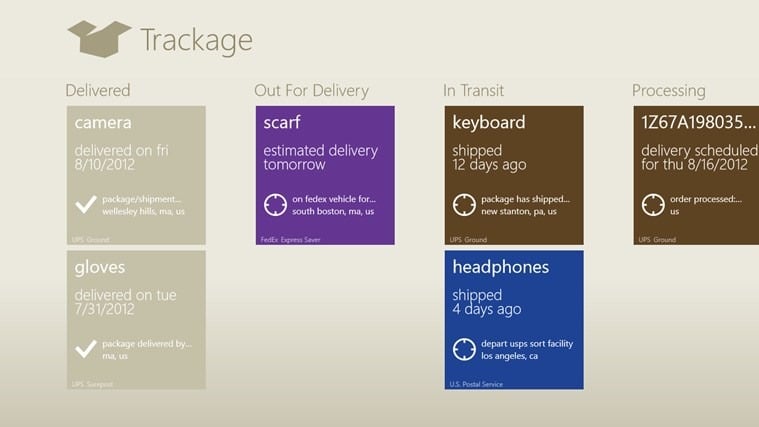
Trackage – a package tracker created over the Summer of 2012 by interns working for Microsoft.


Microsoft Games Collection – Solitaire and Minesweeper. Both are significant updates from the past Windows versions.
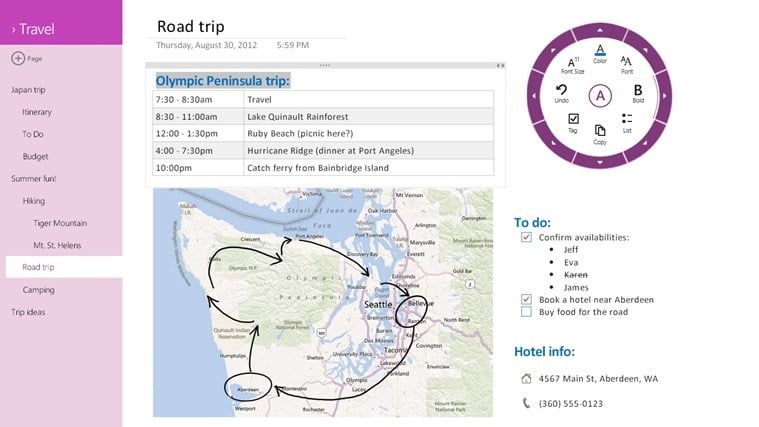
OneNote – Absolutely one of the best note taking and sharing apps available.
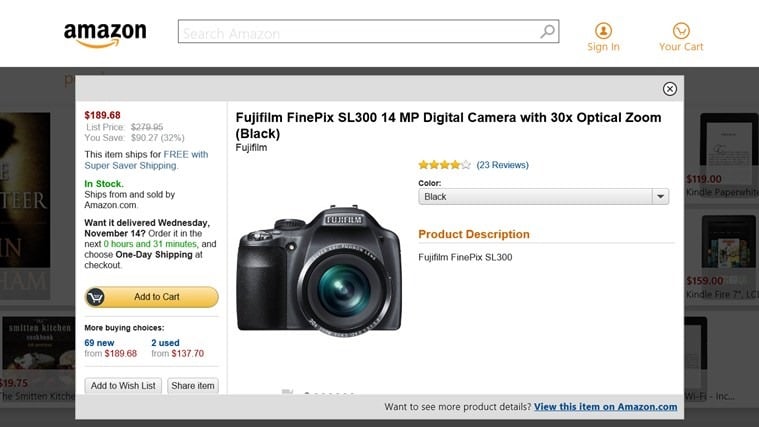
Amazon – I mean who doesn’t shop at Amazon? Includes in app purchasing now and order tracking.
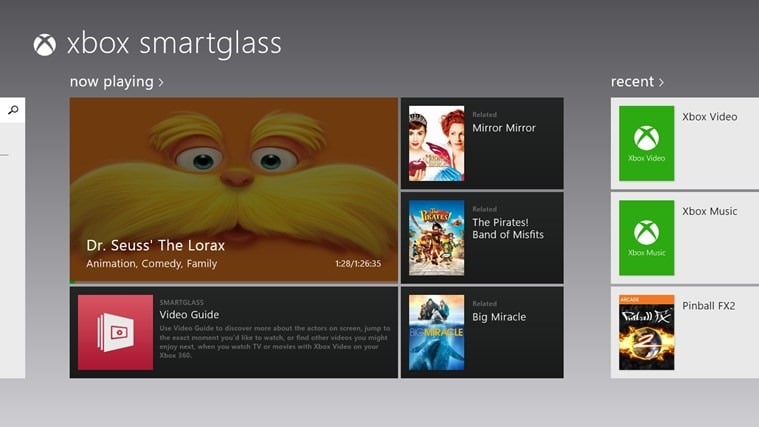
Xbox SmartGlass – if you have an Xbox 360 then you will want this to connect the two and extend the experience to your Windows 8 device.
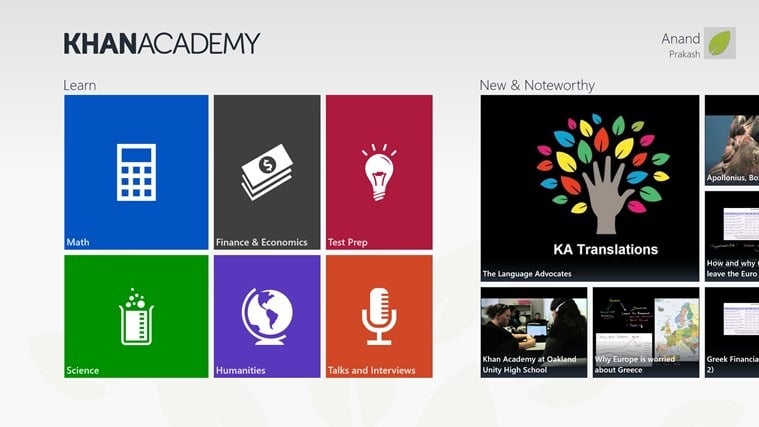
Khan Academy – educational material across a wide range of subjects.
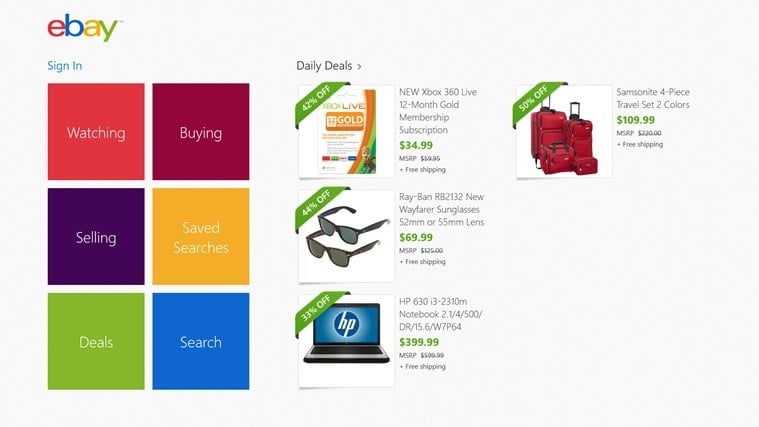
eBay – another site that a lot of people browse and pick up bargains from. If you are an eBayer then it is great for tracking all of your auctions both as a seller and a buyer.
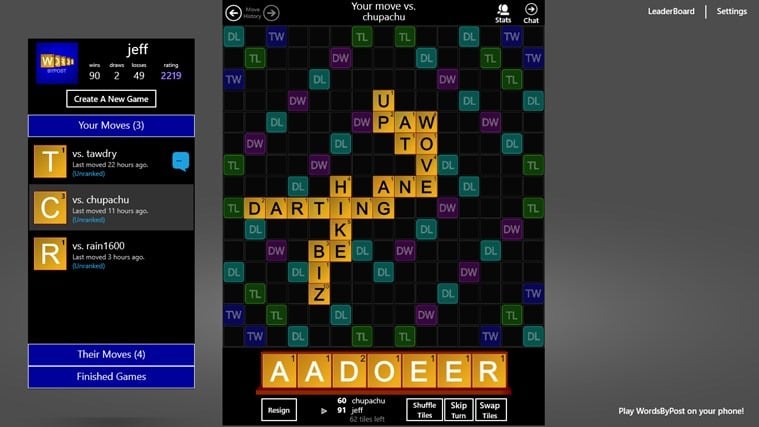
Words by Posts Free – I think one of the best cross platform word games out there.
What is your favorite Windows 8 app you have found so far?

