

I logged onto my Xbox 360 console tonight and was prompted for the expected update that enables USB Storage. As soon as the console arrived at the home screen I was prompted to do the update and it downloaded quite quickly. The system then re-booted and prompted me to install the update which took about 6 minutes and it appeared to do some more downloading as well. When that was done it once again re-booted.
Afterwards, the system came up as normal but I noticed at least one settings reset. The Welcome to Xbox category was back again despite my previous selection to remove it.
I plugged in a spare 4GB USB Flash drive and then browsed to the System Settings tab and the Memory page and saw this:


Close up of the main Storage Devices screen
I then selected the USB Storage Device and got the next screen for configuration:

The customize option lets you only use a portion of the storage device however, it must be at least 768MB in size to work.
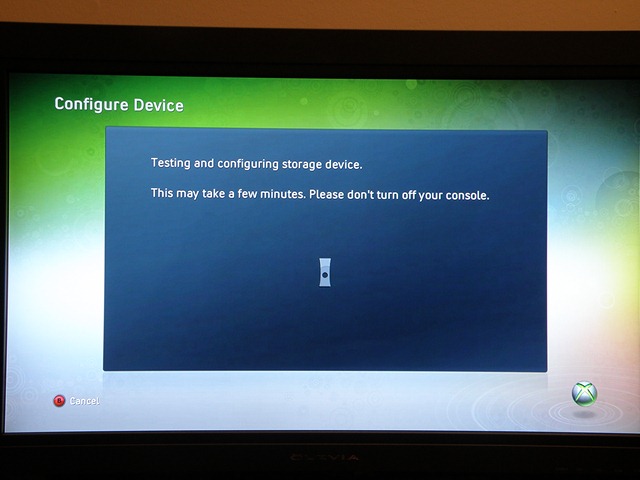
When you click on configure you then get the familiar progress screen and hourglass Xbox:
About half way through this process I then got notified that my 4GB USB Flash Drive was not going to cut it speed wise:

Funny, this flash drive handles Windows 7 ReadyBoost with no problems :-)
Anyway, here is the Microsoft Knowledge Base Article to address the performance warning – Performance warning occurs when configuring USB storage on an Xbox 360 console.
